
DUTCHIE TV MENUS
Dutchie TV menus that keep up with the register.
Dutchie runs the register. Seed runs the room. Connect once and every menu wall, kiosk and promo screen shows live Dutchie prices, stock and specials.
Seed is digital signage for Dutchie dispensaries. TV menus, self-service kiosks, queue boards, and promo screens read products, prices, stock status, specials, and images straight from DutchiePOS, Dutchie Plus, or Hybrid, so every screen in the store updates itself. Dutchie is the POS most Seed stores run on, and Seed runs 6,500+ screens across 900+ dispensary storefronts in 36 states + DC.
WHAT COMES OVER
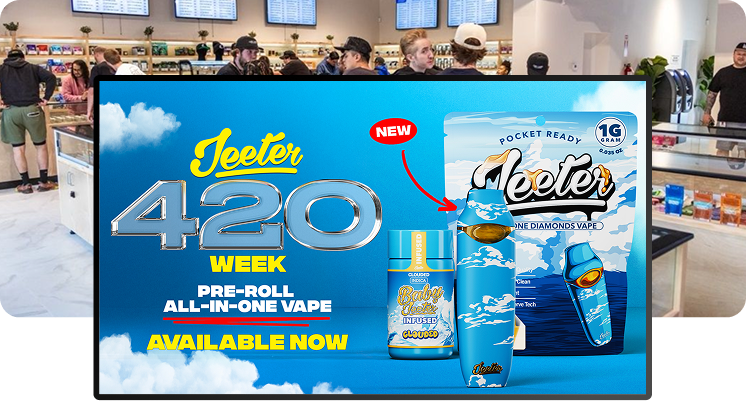
What comes over from Dutchie.
Only the fields we can stand behind, mapped to where they show on your menus.
- Products and categories to menu sections.
- Brands to brand rows.
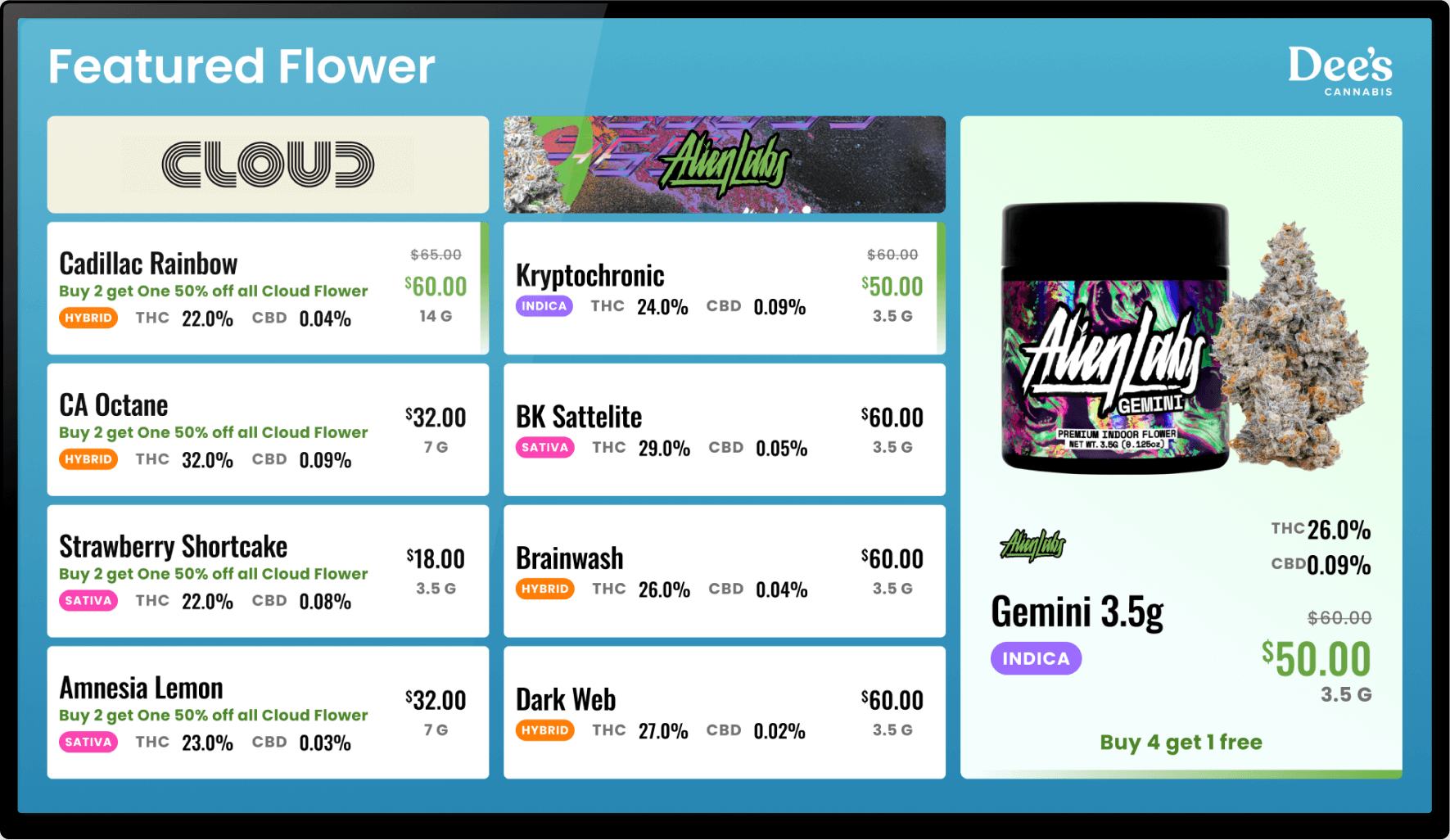
- Prices and specials to sale prices with a strike-through.
- Inventory, so sold-out items drop off.
- Product images to tiles.
- Plus descriptions (Hybrid) layered over live POS data.
LIVE POS SYNC
The wall never lies.
Change a price in Dutchie and every screen picks it up automatically. In a hurry, one click forces the sync. Sell the last eighth and it's off the menu before the next customer asks. Budtenders sell instead of apologizing for the board.

SPECIALS & CAMPAIGNS
Set the deal in Dutchie. It's on every screen.
Specials sync straight from Dutchie. Seed's campaign tools feature them, schedule the holiday push and run it at one store or every store.
ONE CONNECTION
One Dutchie connection runs the whole room.
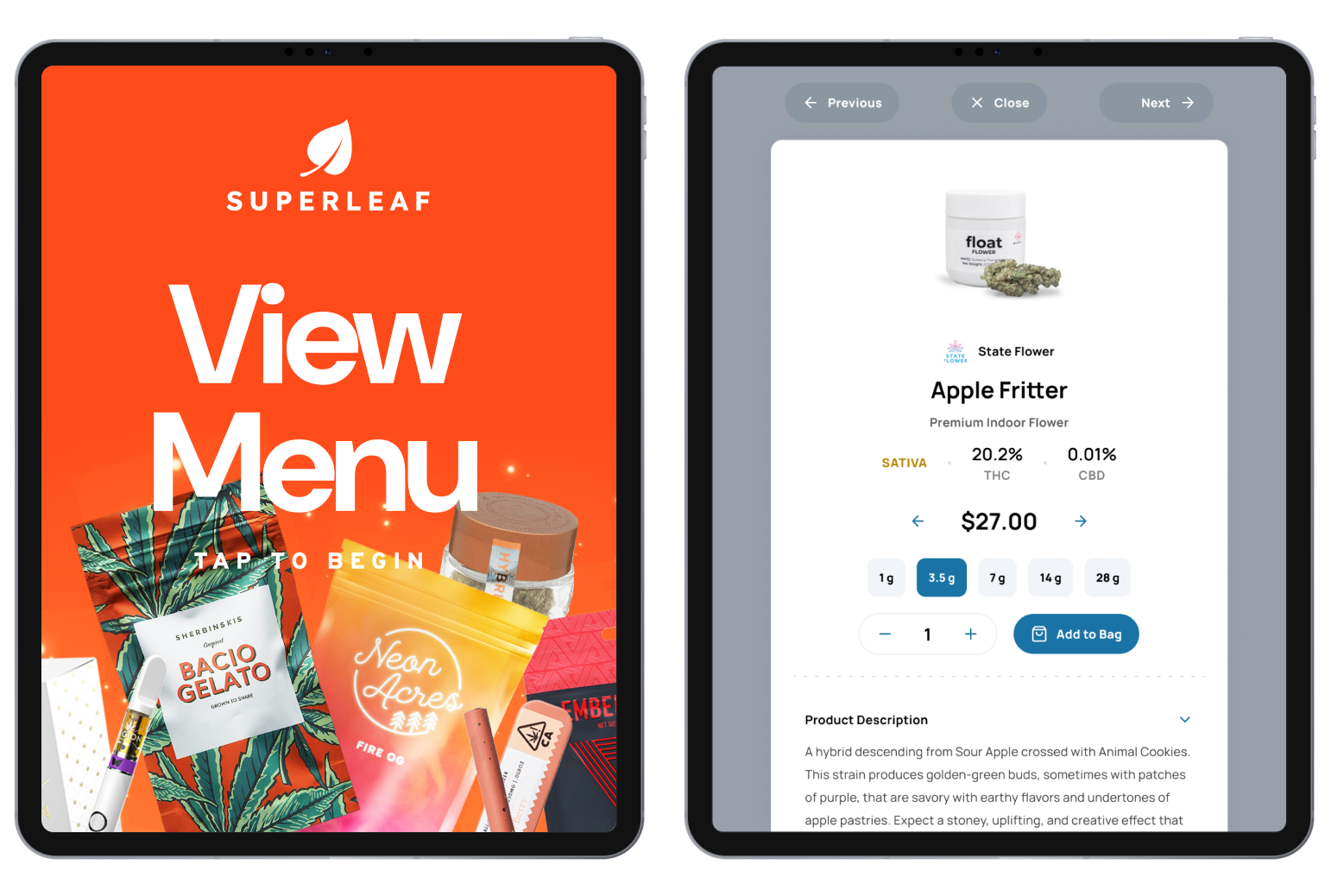
TV menus, Seed Touch kiosks, the queue board and promo screens all read the same feed. At the kiosk, customers can sign up for Dutchie Loyalty.
RETAIL MEDIA
Brands pay to reach your shoppers at the shelf.
Through the Seed Retail Media Network, brands you carry run spots on your screens. You generate credits, set how often ads run, and you control which screens participate.
EVERY FLAVOR OF DUTCHIE
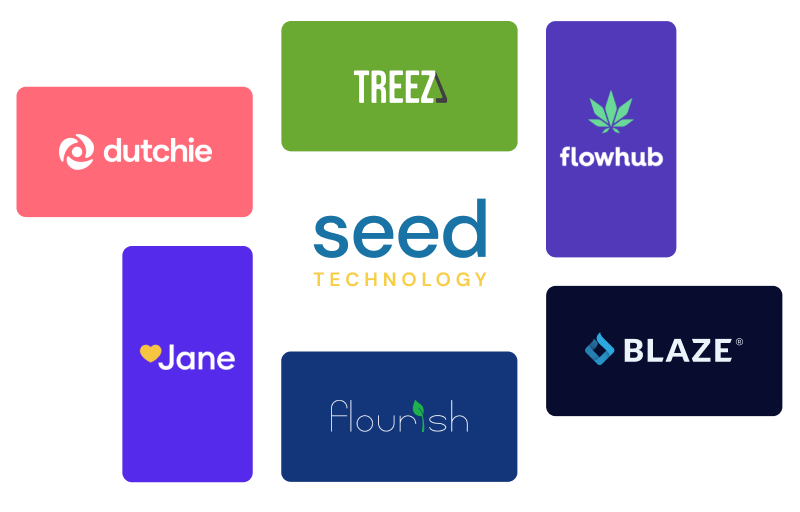
DutchiePOS, Plus, Hybrid or LeafLogix. All of it.
All three setups work, LeafLogix is the same integration, and separate medical and recreational menus run off separate keys.
GETTING LIVE
Hooked up in an afternoon. Live in about two weeks.
- Send your Dutchie API key. Back Office shows you where.
- We connect it and style your menus. You approve everything.
- Screens go live and stay synced.
Dutchie is the POS most Seed stores run on. Seed is listed under In-Store Menus in Dutchie's integrations directory.
Dutchie questions, answered
What digital signage works with Dutchie?
Does it work with LeafLogix?
What syncs from Dutchie to my menus?
How fast do menus update?
Do Seed kiosks work with Dutchie?
We run separate med and rec menus. Does that work?
Do I need to buy new TVs?
We're switching to Dutchie from another POS. Do we rebuild our menus?
Does Seed cost extra per screen?