
Seed Signage
Dispensary TV menus that update themselves.
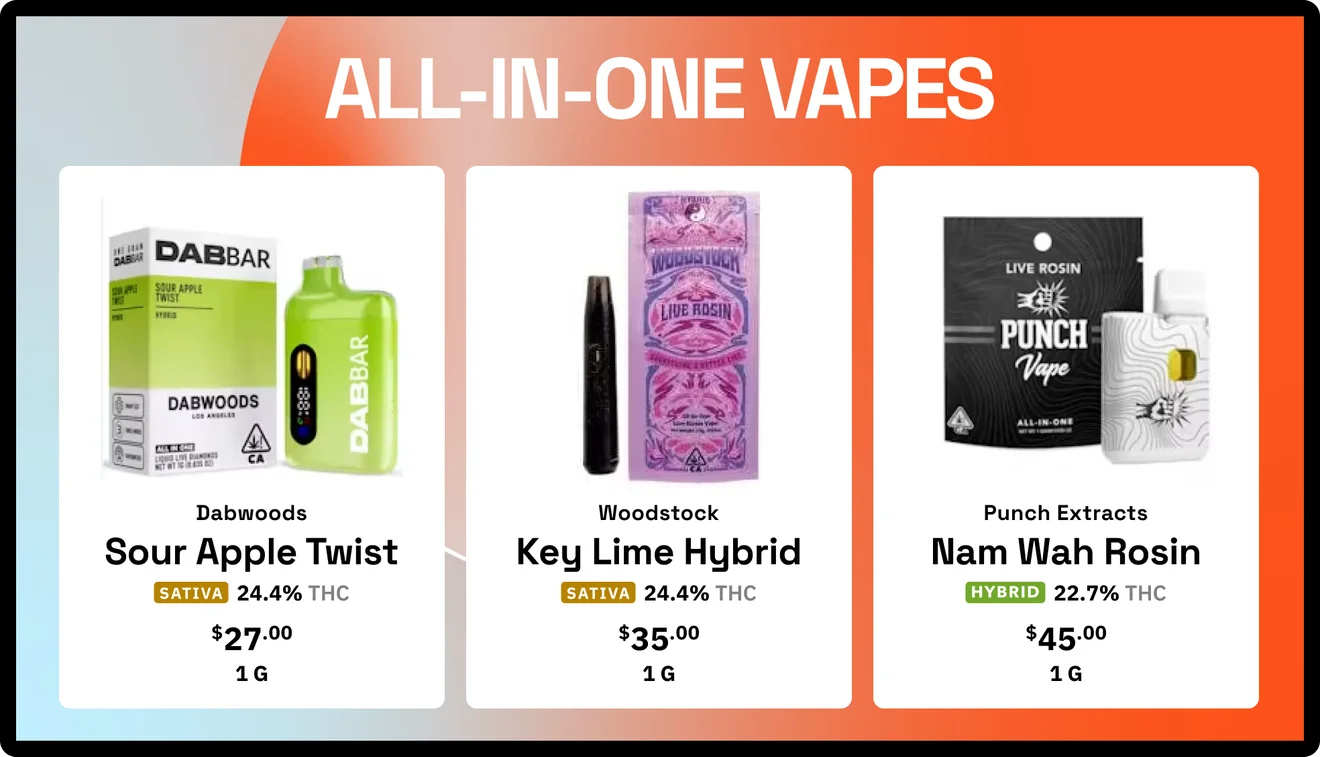
Your POS already knows what's in stock and what it costs. Seed puts that on every screen in every store, in your brand and with your deals.

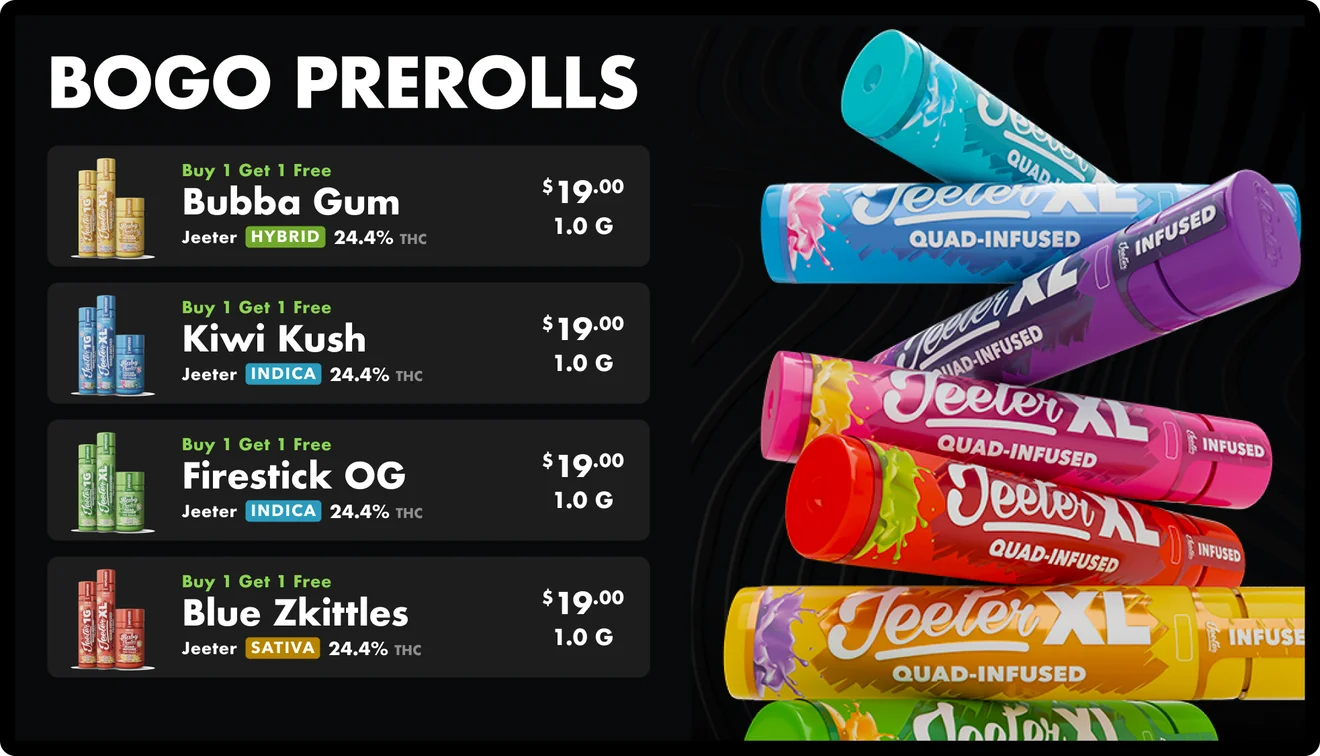
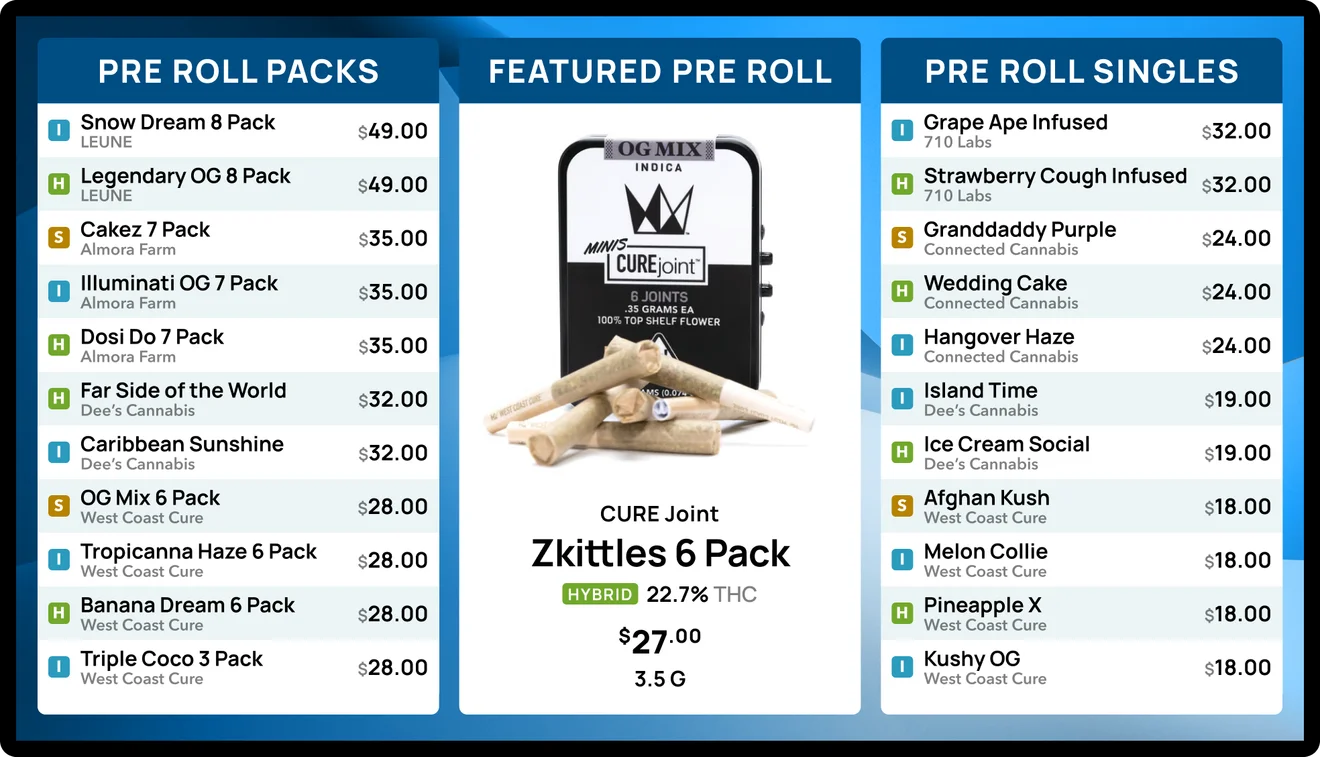
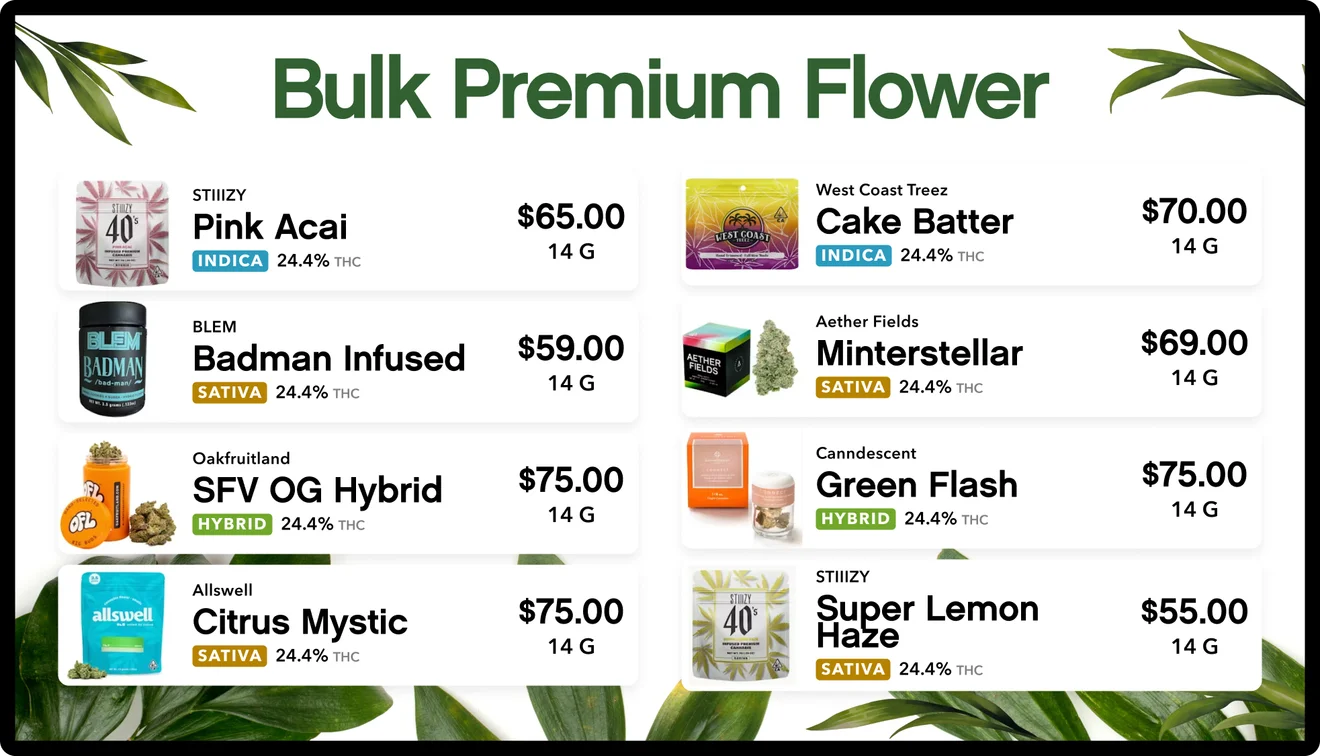
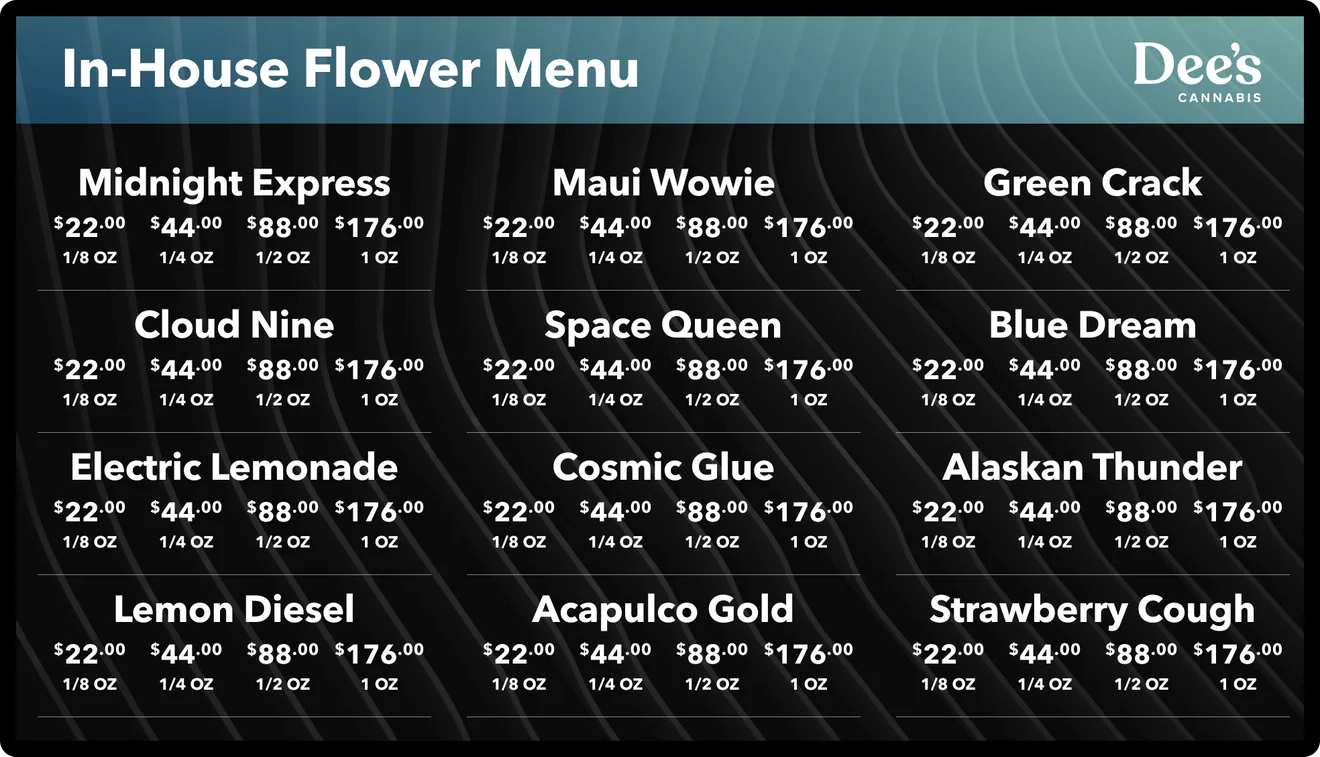
On the wall in 900+ storefronts at 250+ retailers across 36 states and DC, on 6,500+ screens.




















Sold out at 2:14. Gone from the wall before anyone asks.
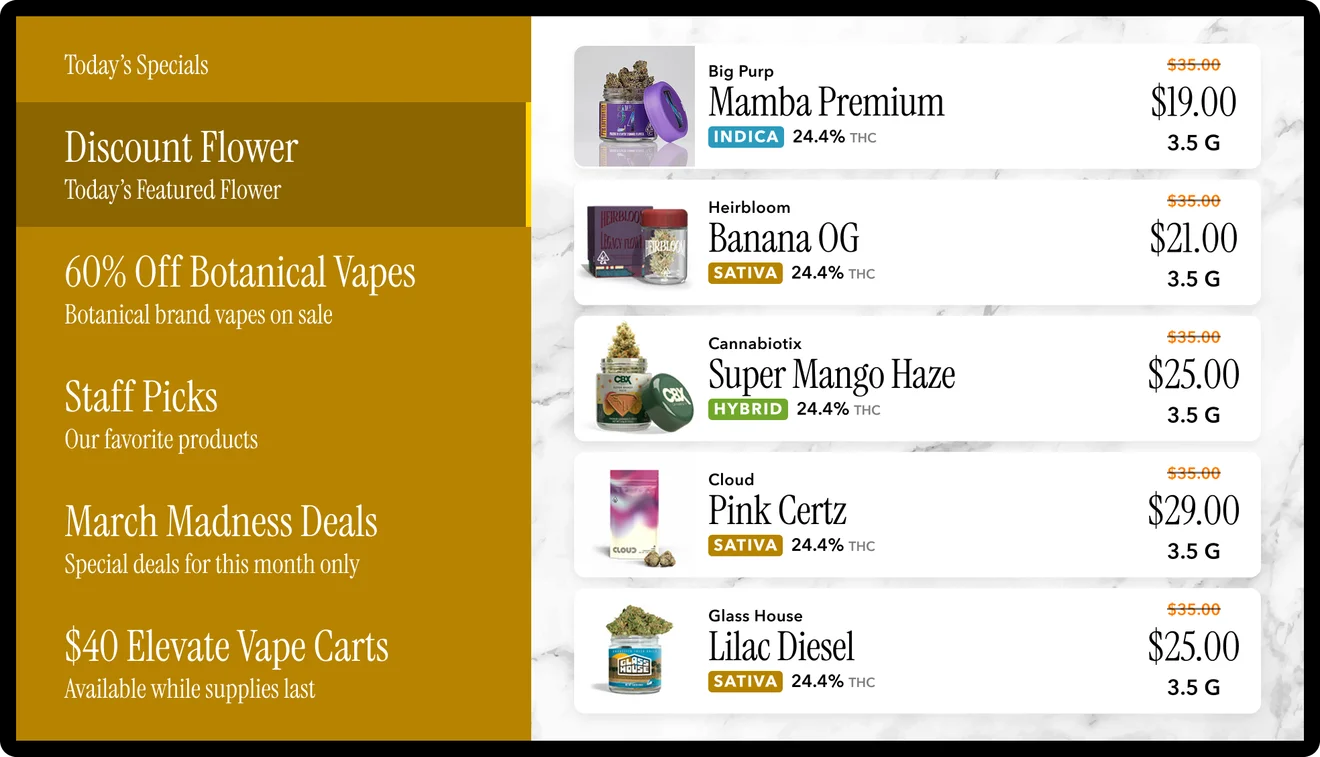
Seed reads inventory, prices and specials from your POS. Sold-out items drop off, prices match the register, and nobody on staff retypes anything.
Keep your POS. Stop treating your screens like a printout.
Most POS systems can put a menu on a TV. That's where they stop.
| A menu on a TV | Seed |
|---|---|
| A template layout | Layouts built in your brand by our designers |
| Menu only | Menus mixed with your video and campaigns in one playlist |
| Every brand gets equal space | Feature house and high-margin brands, and sell slots to vendors |
| Screens cost you money | Brands pay to run on your screens and you generate credits |
| Switch POS, rebuild your screens | Switch POS, keep every screen, with 15+ integrations |
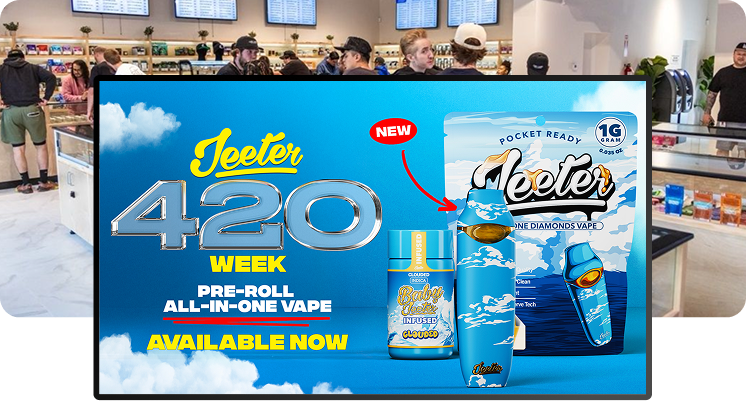
One promo, every store, before lunch.
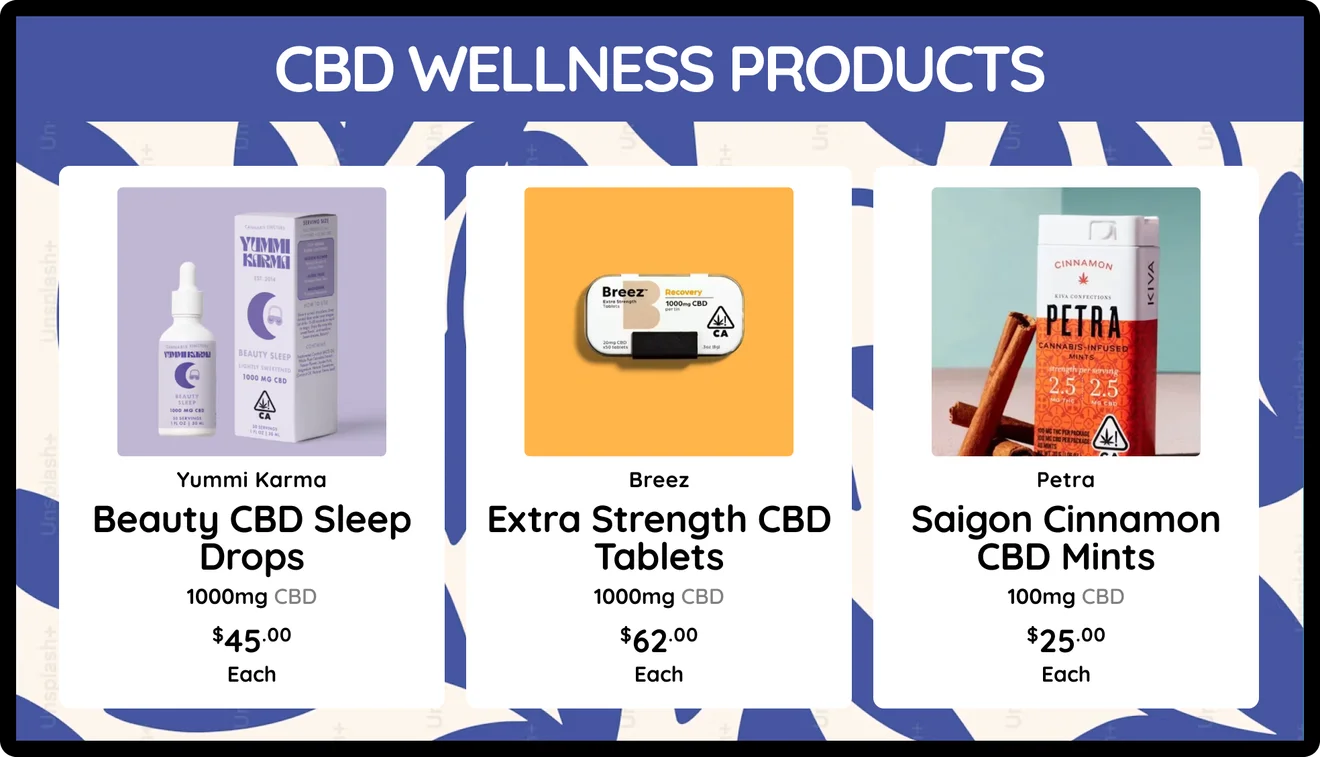
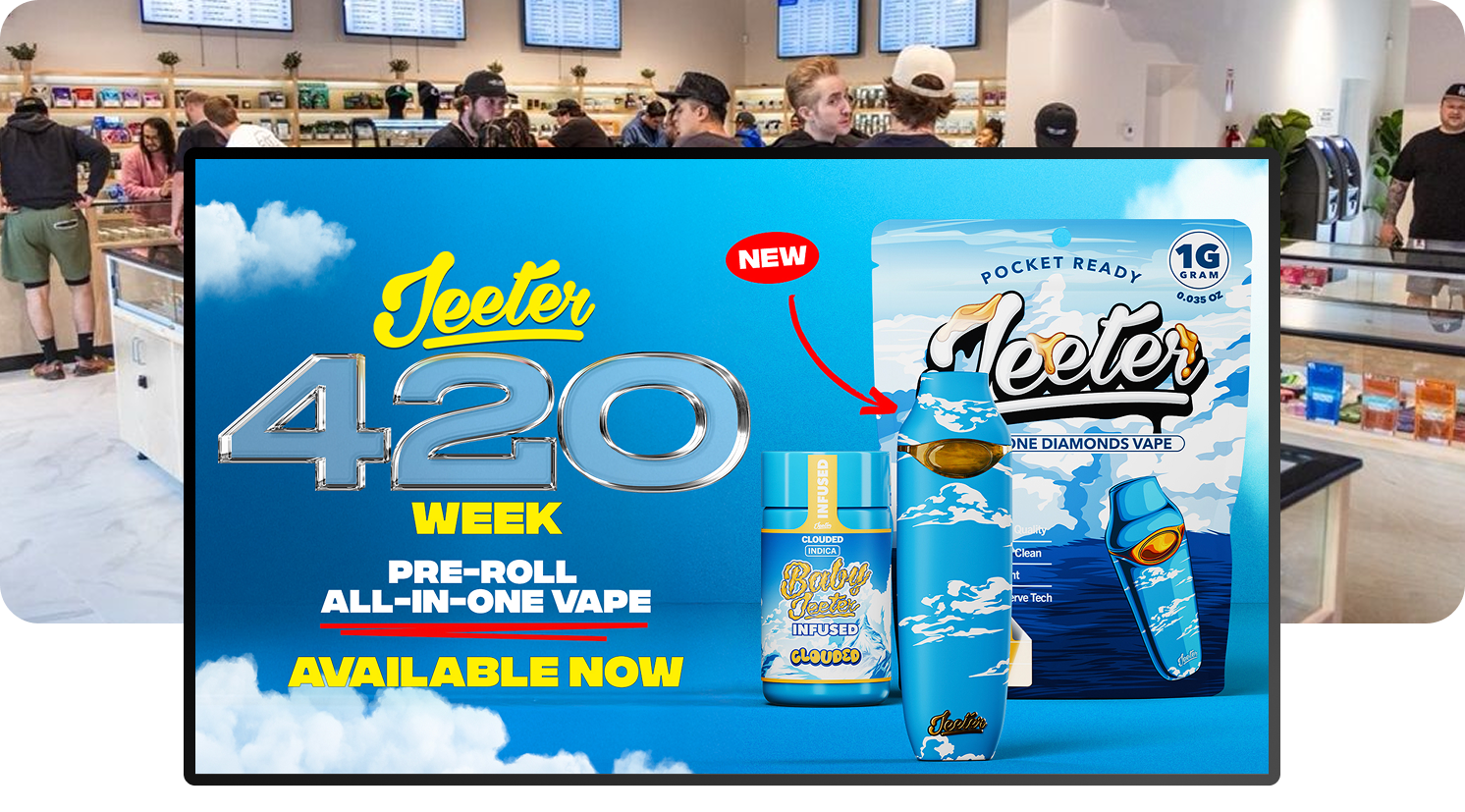
Upload a video or image, drop it into a playlist and schedule it to every screen at every location. Each store still shows its own prices and stock.

Your menu is the best shelf in the store. Sell it.
Push house and high-margin brands to the top, run drops and holiday promos, and charge vendors for the slot. Brands can also buy campaigns through Seed's retail media network, which pays you back in credits.
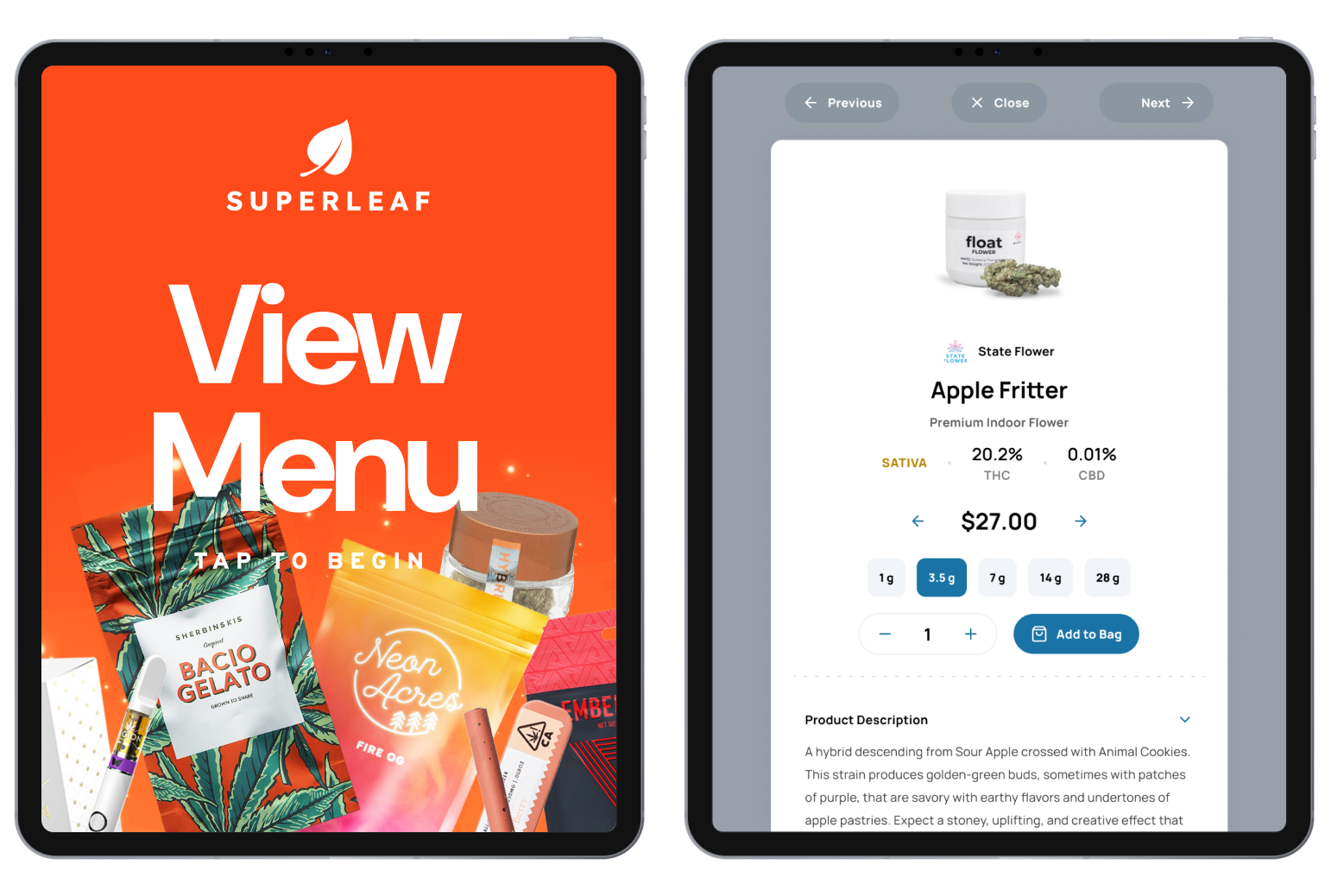
Let the line browse instead of hover.
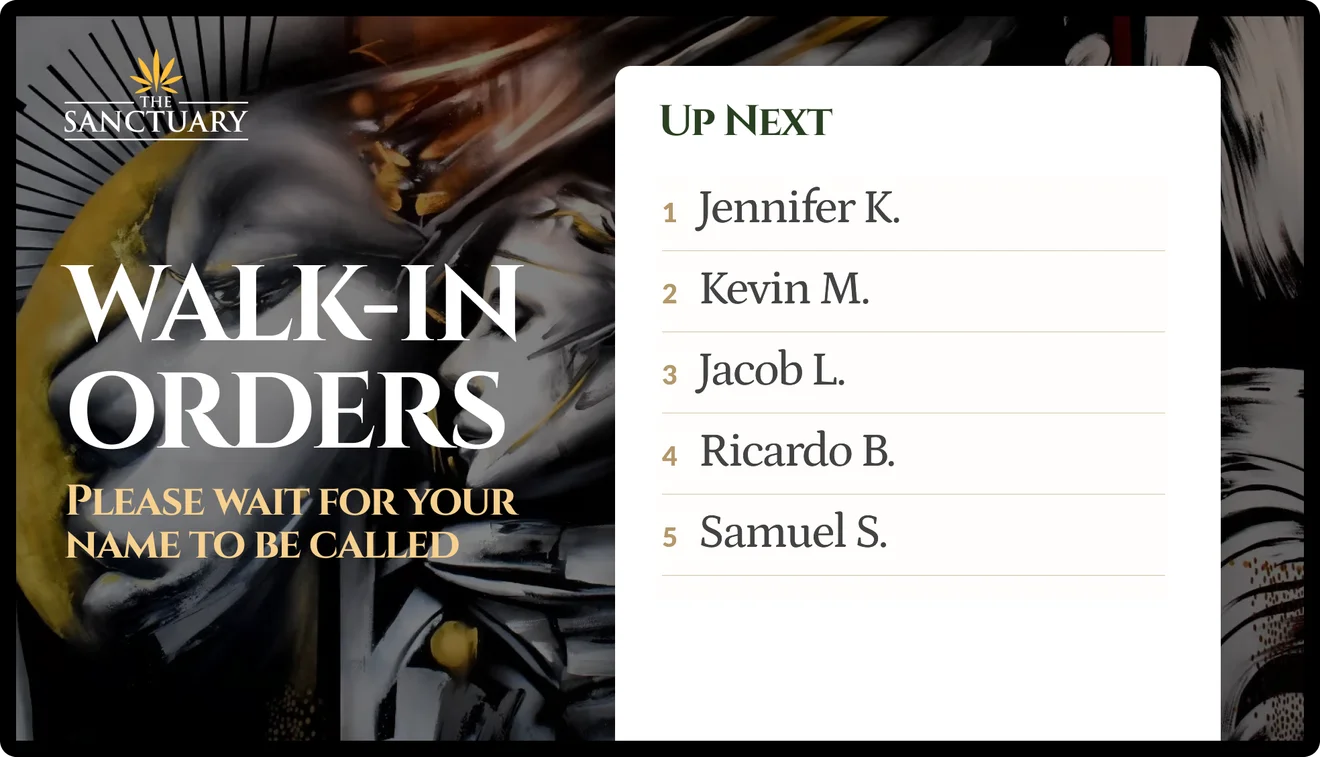
TV Queue shows who's next and which orders are ready, on its own screen or sharing one with your menu.
Live in about two weeks.
We connect your POS.
Our designers build your layouts in your brand.
Plug a streaming player into any TV, enter the code, done.
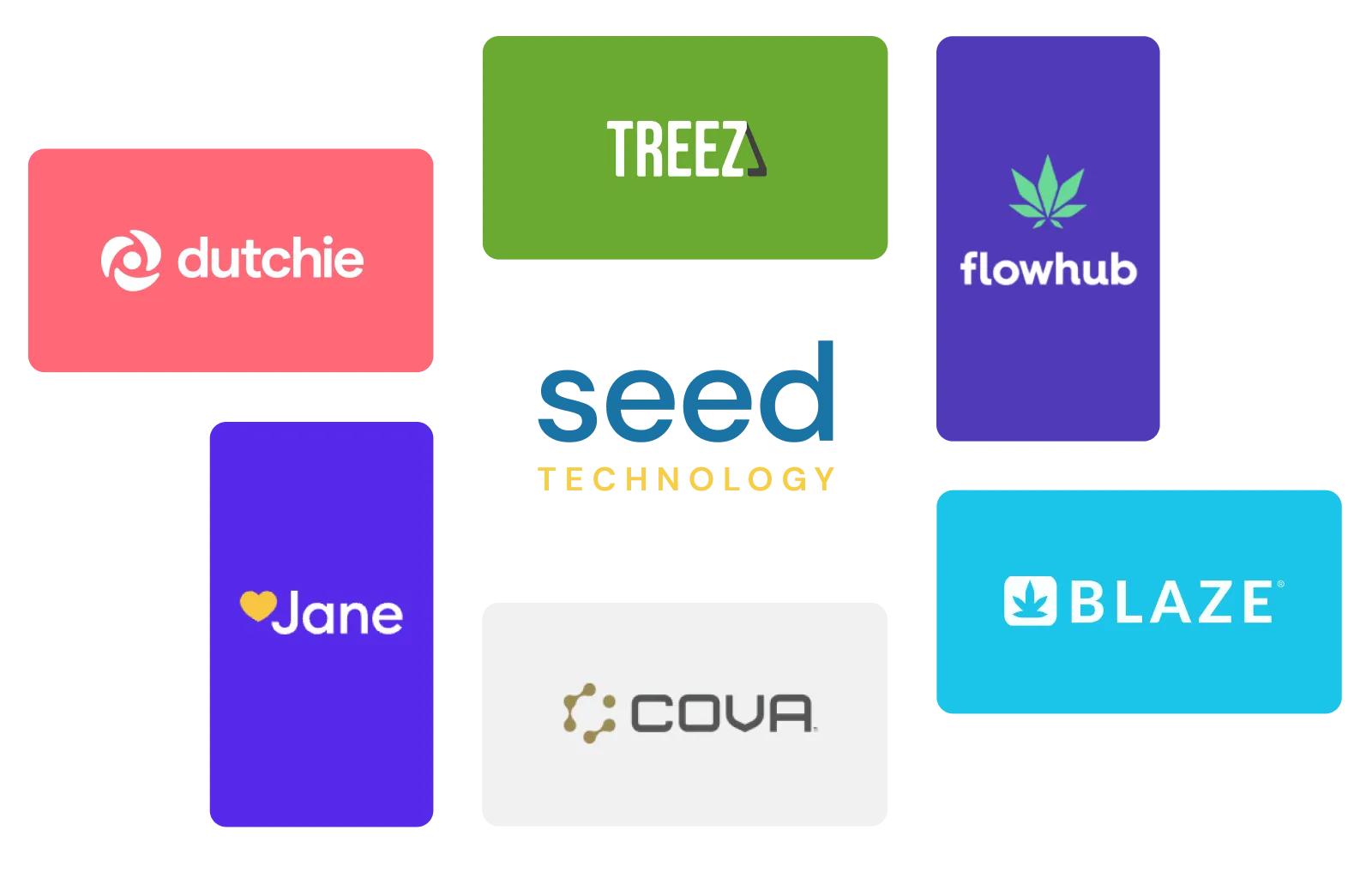
Works with the POS you run now.
Deals, prices and inventory sync from your POS or e-commerce menu. No double entry.
— Frequently Asked Questions
Learn more about Seed Signage:
How does the TV menu stay accurate?
Seed reads inventory, prices and specials from your POS automatically throughout the day, and you can force a sync in one click. Sold-out items come off by themselves.
What hardware do I need?
Any TV with an HDMI port and one streaming player per screen. Details are on the hardware page.
Do I need a designer?
No. Our design team builds your first layouts in your brand. After that, your team uploads media and schedules promos.
What if our internet goes down?
Screens keep playing the last menu saved on the device and re-sync when you're back online.
How is it priced?
Per location, not per screen. Each store gets unlimited screens, playlists and users.
GET STARTED
Put your menu on the wall.
Bring your POS name. We'll show you your own menu running live, and how your first campaign would go out.